china lights
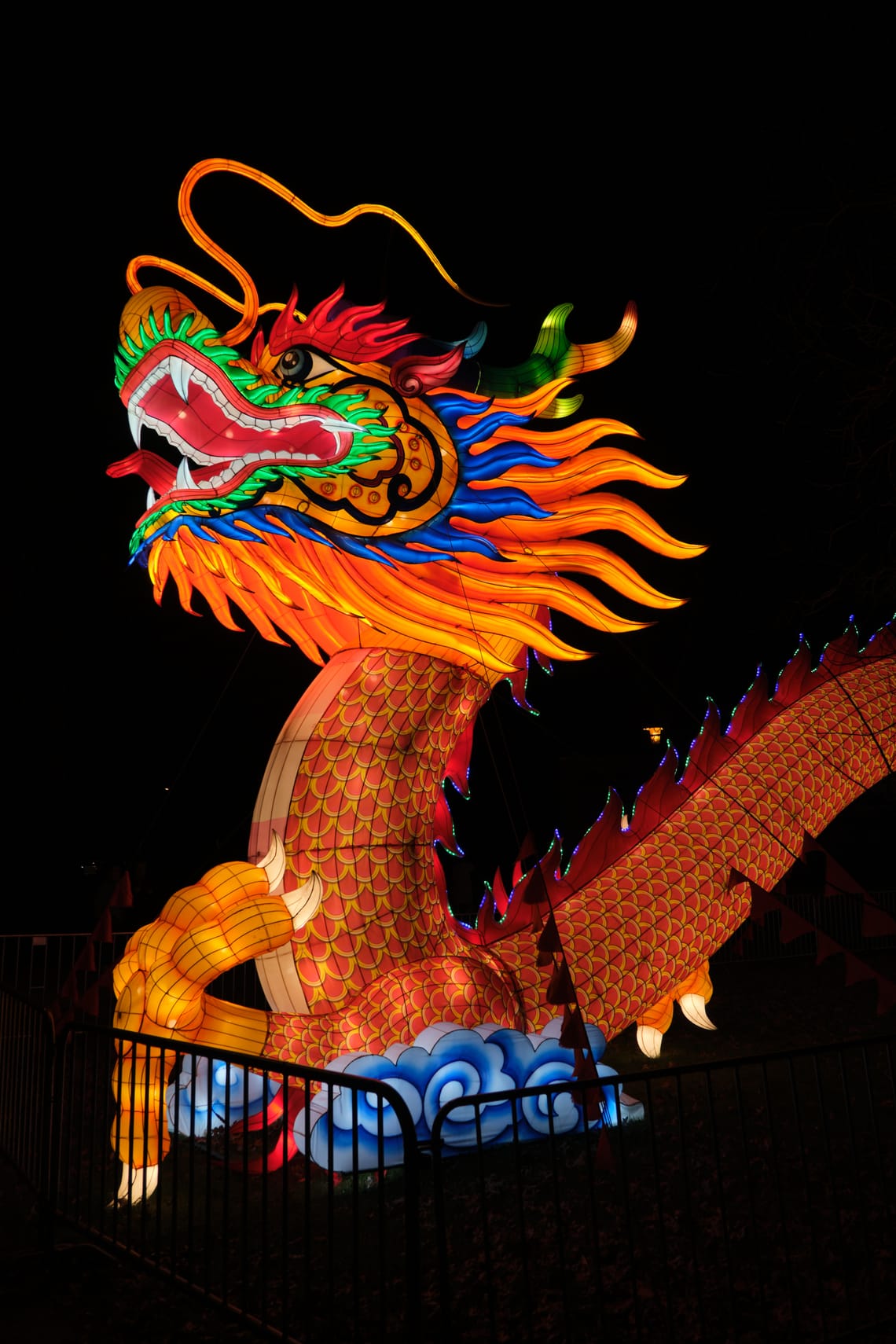
Every winter the cologne zoo displays colorful, lit up cloth figures on wire skeletons. The title picture is the head of the dragon at the gate. It can sometimes be difficult to edit pictures of glowing subjects. Especially at night. They're often just too bright for the camera, which automatically sets its sensitivity according to the dark surroundings.
But modern cameras are crazy. They can capture big differences between dark and light. They start to actually compete with human vision. There's still a problem though. Most screens, the .jpg format ond prints of paper can't do that.
So I'm stuck with a choice: leave the bight parts of a picture at the limit or tone it down to make details visible and return distorted color to normal? Same with dark parts, just the other way around.
I think, with the dragon I struck the right balance of leaving some of the glow on its immediate surroundings visible while the sky is near black. Because this way I could "rescue" (= tone down) the bright parts without loosing the "glowieness".
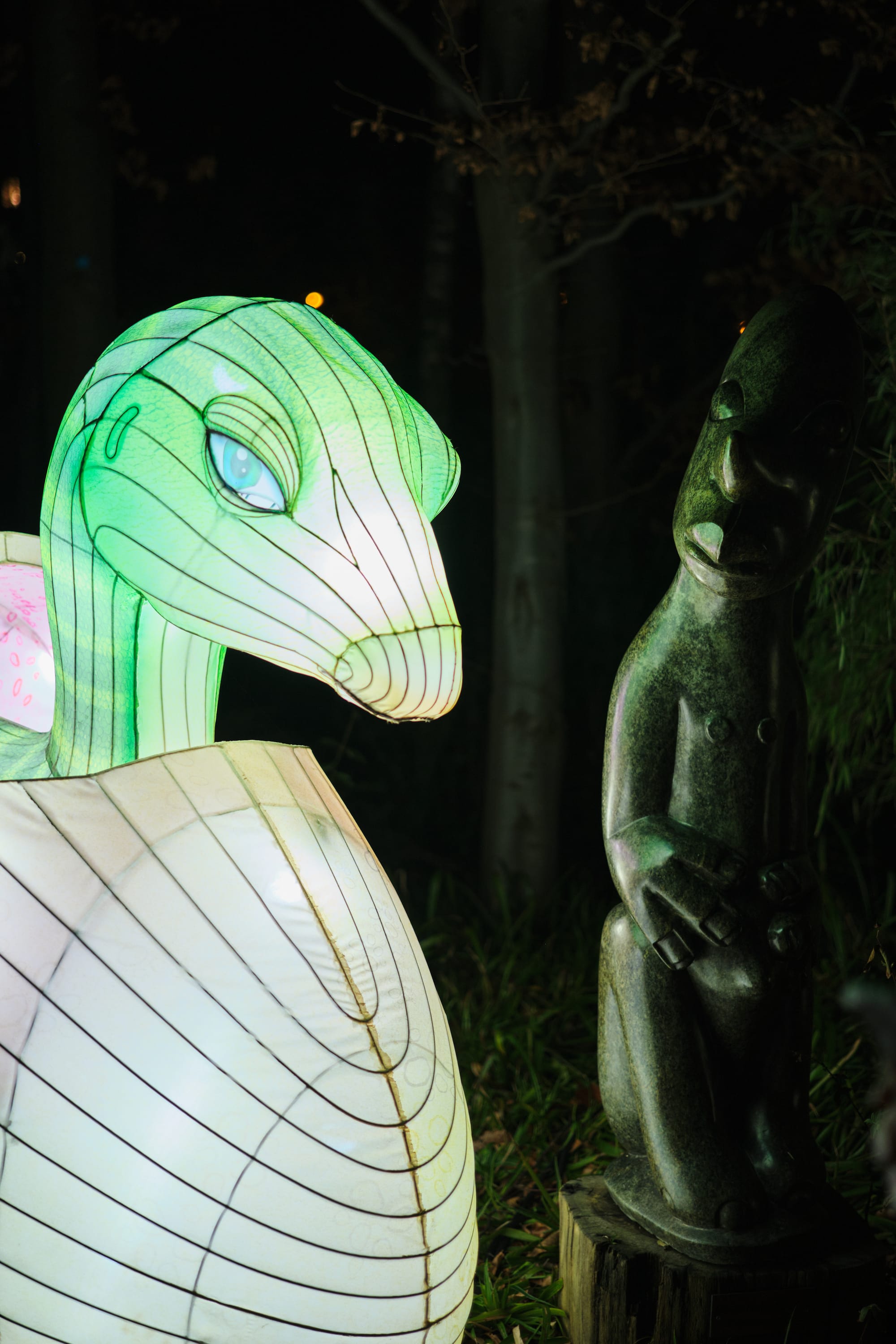
Similar for the hatchling dinosaur shedding light on the modern art stone sculpture next to it. Both are important to be visible so they needed to be nudged into the intensity range that a .jpg can display.
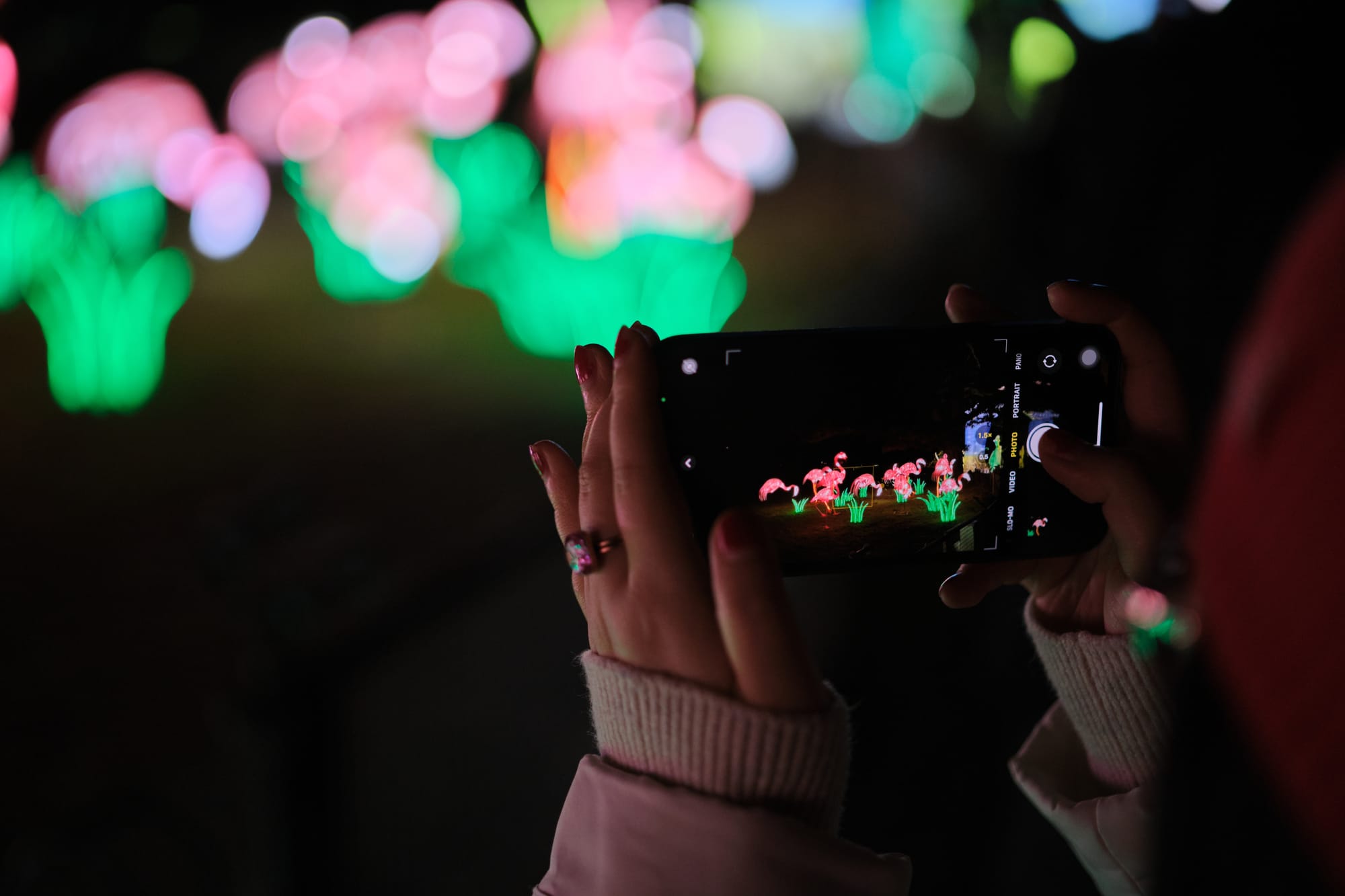
This last picture is one of my favorites. It required me to mark the phone screen and to warm up the colors so they would match those in the background, revealing the glowing flamingos.
Well, that was quite the rant. I'm sure the next one about the first photos from my precious, silvery white "telescope lens" is going to be far less technical...